Minergie Exporter
Minergie Monitoring +
The Minergie data exporter enables the direct transfer of metering point data to the Minergie database.
With the data in the Minergie database, Minergie can carry out paid comparisons between planned data and actual data.
This product is called Minergie Monitoring+ and makes it quick and easy to identify potential for improvement and to uncover misconfigurations.
Login Minergie data exporter
Every smart-me partner with the Minergie system integrator contract addendum receives the link to the exporter.
If you have not yet become a Minergie system integrator, become one and find out more here: Become a Minergie partner
-
To do this, log in to smart-me.com with the login details of the respective smart-me object and create the API key.
-
Then log in to the Minergie Exporter (the web address provided to you) with the same account details and create the configuration.
Setting up the export per object
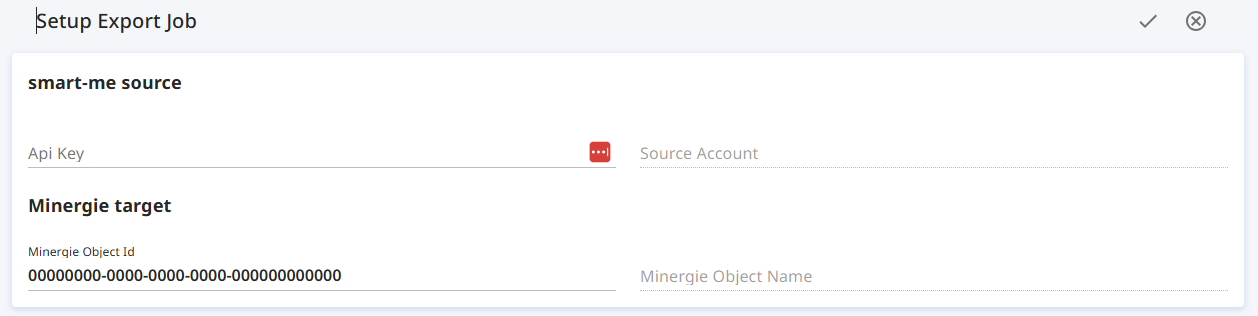
- Press the "+" to create a new export task.

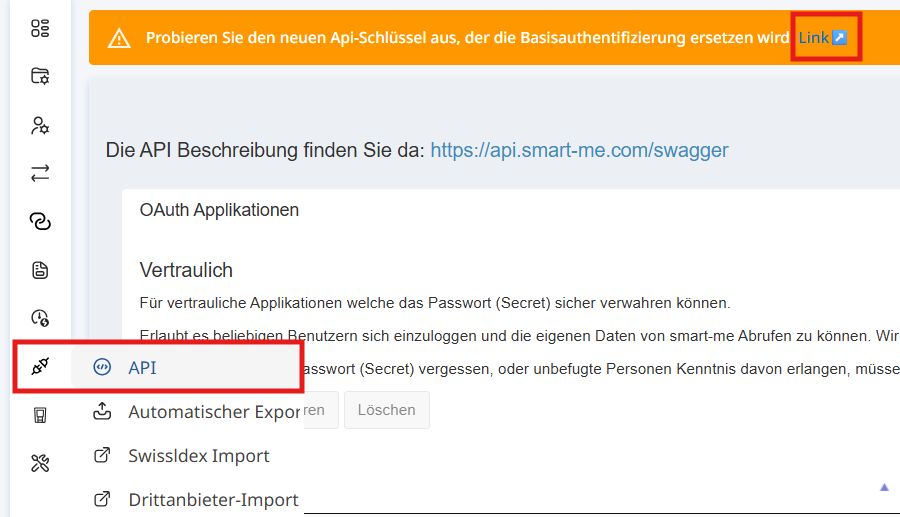
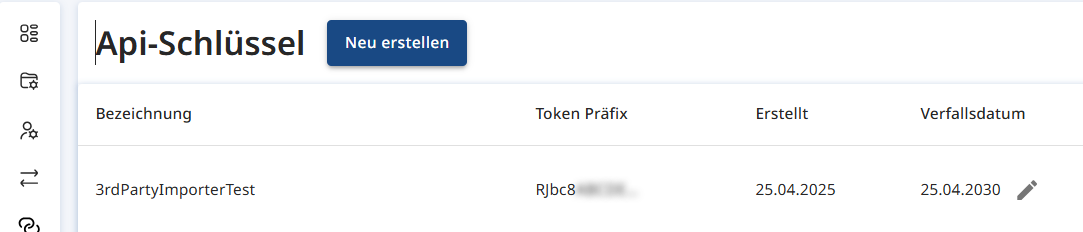
2. Create an API key in the smart-me object.
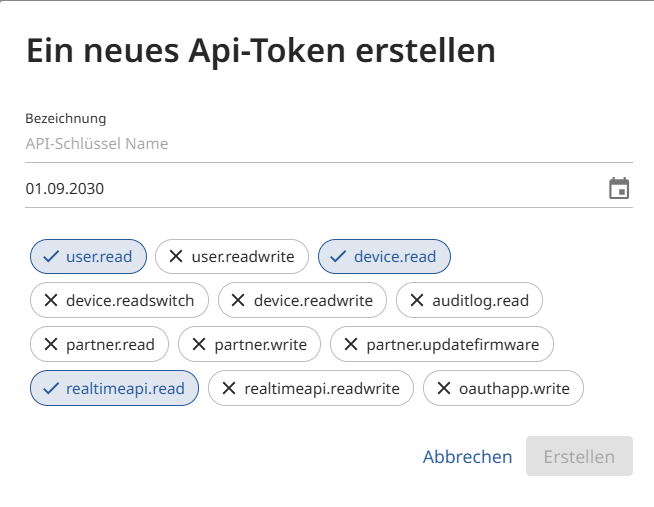
Create a new key with a name of your choice. Select at least read permissions.
3. Enter the key in the Minergie Exporter task under API key
4. Under "Minergie target", enter the object ID that you received from Minergie and its database via the label platform.
5. Connect the relevant metering points from the Minergie object with a metering point in the smart-me account. Sum meters can be created directly in the Minergie Exporter.
6. Start the transfer.
Data export function and frequency
The data exporter transfers the data once a day in 15-minute intervals.
Historical data can be reloaded at any time and overwritten in the Minergie database.
When historical data is loaded, it is transferred bit by bit, distributed across the regular transfers. It can take a few days until all historical data has been transferred.