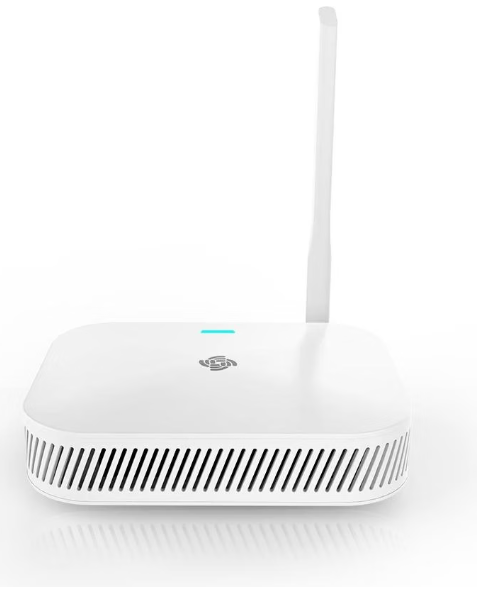
WisGate Edge Lite 2
Integration guide
Connecting the gateway to the smart-me Cloud
-
Connect the device to a power supply
-
Use your laptop to connect to the Wi-Fi of the WIsGate Edge (RAK7268_XXXX). No password is required.
-
Open your web browser and go to 192.168.230.1
-
Log in.
Username: root
Password: root
-
Navigate to Overview to read the EUI, which you will need later to connect to the cloud.
-
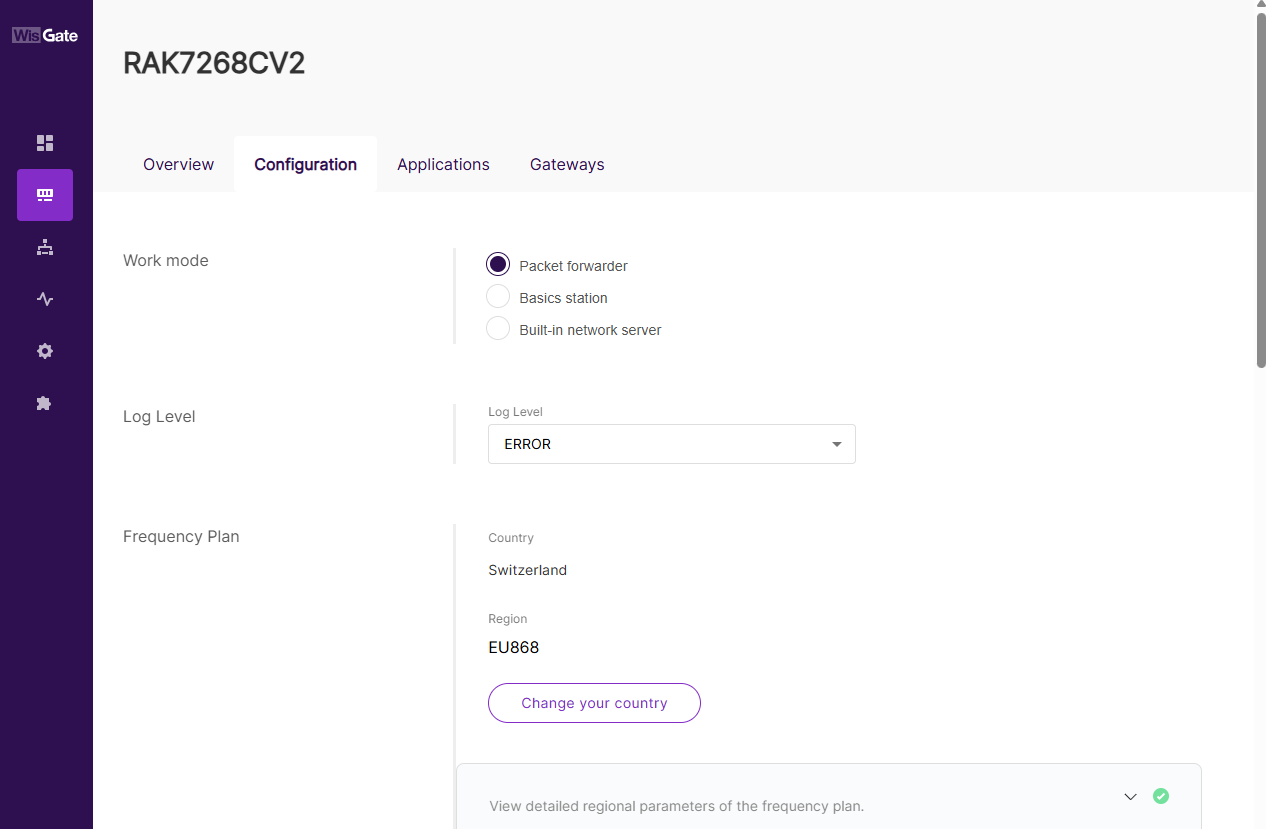
Go to Settings --> Configuration
-
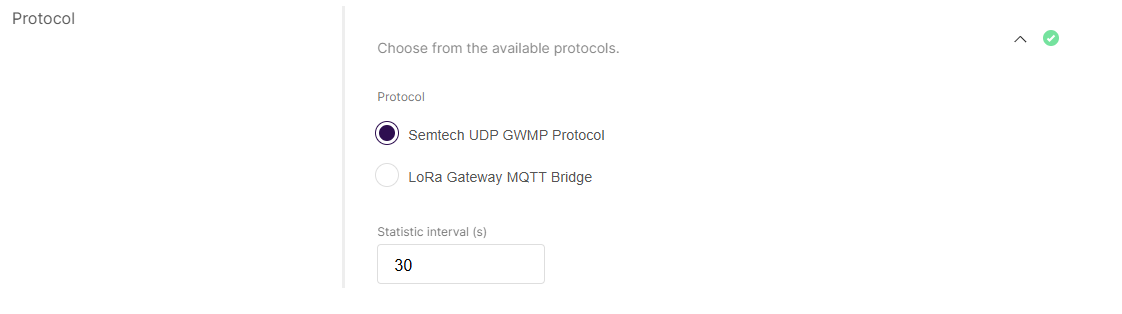
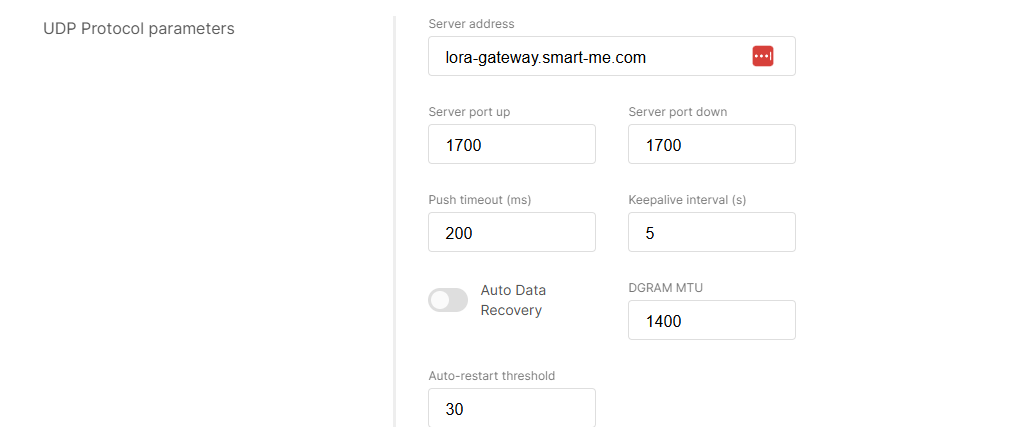
Apply the following settings and save them.
-
Register the device with its EUI in the smart-me LoRa Gateway