Sensecap M2
Integration guide
-
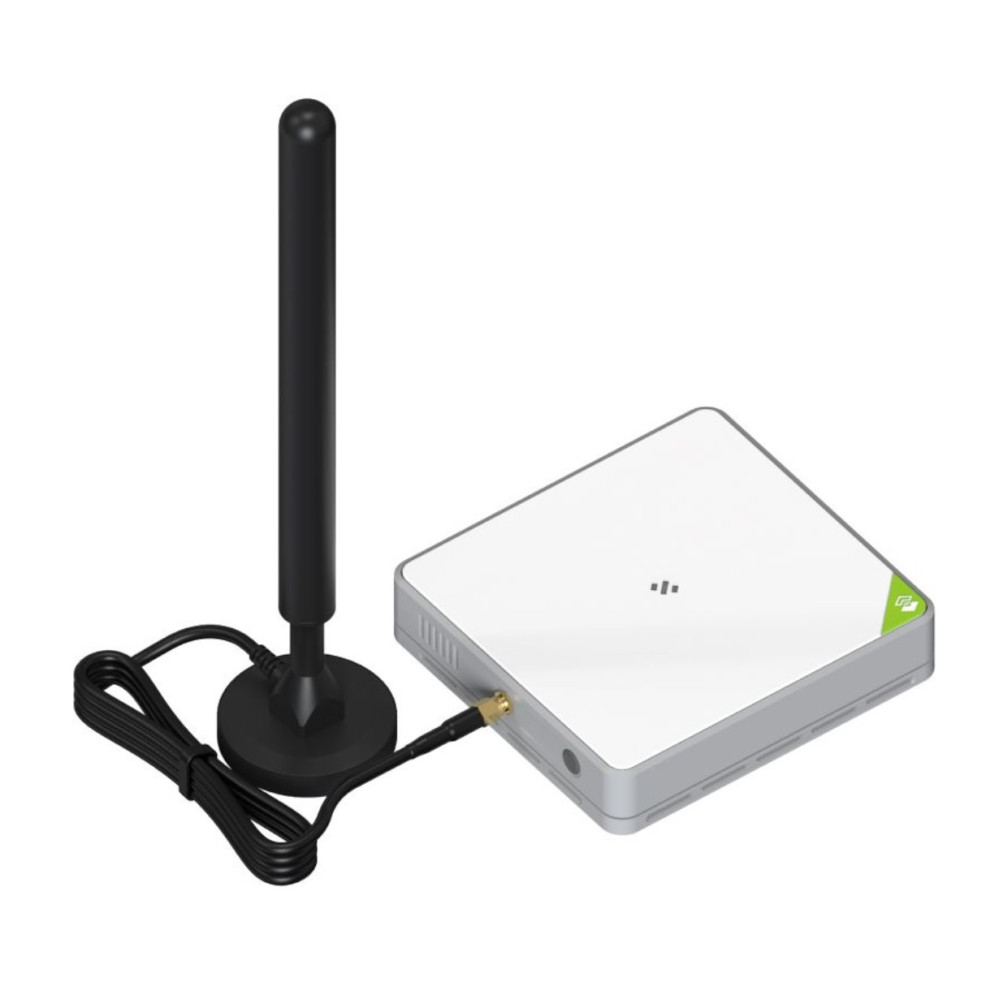
Press the button (on the back, next to the Ethernet port) for 5s until the blue LED flashes slowly.
-
The gateway has now created a Wi-Fi network. Connect your notebook to the Wi-Fi network "SenseCAP_xxxxx". The default Wi-Fi password is 12345678
-
Open the browser on your laptop and enter the following URL in the address bar: 192.168.168.1
-
Log in: Default user: admin You can find the default password on the back of the gateway
-
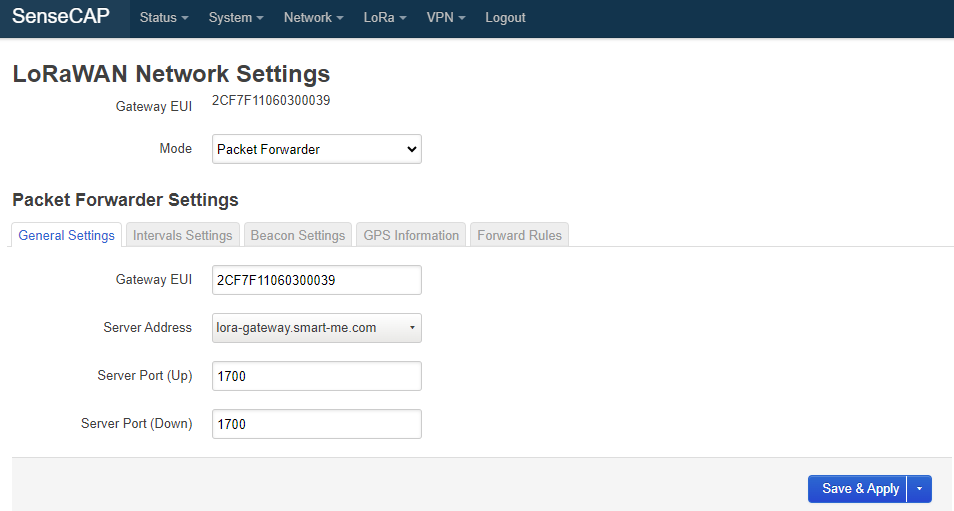
Select "LoRa" -> "LoRa Network"
-
Select the mode "Packet Forwarder"
-
Select the server address "lora-gateway.smart-me.com"
-
Server Port (Up) and Server Port (Down) is 1700
-
Click "Save & Apply"
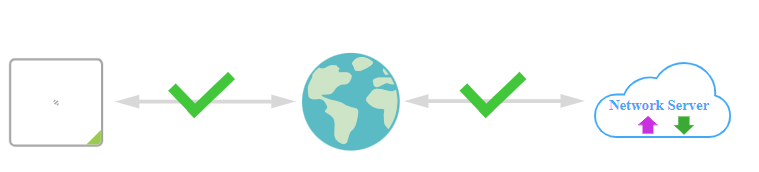
10. Under "Status" -> "Overview", check whether two green check marks are displayed.
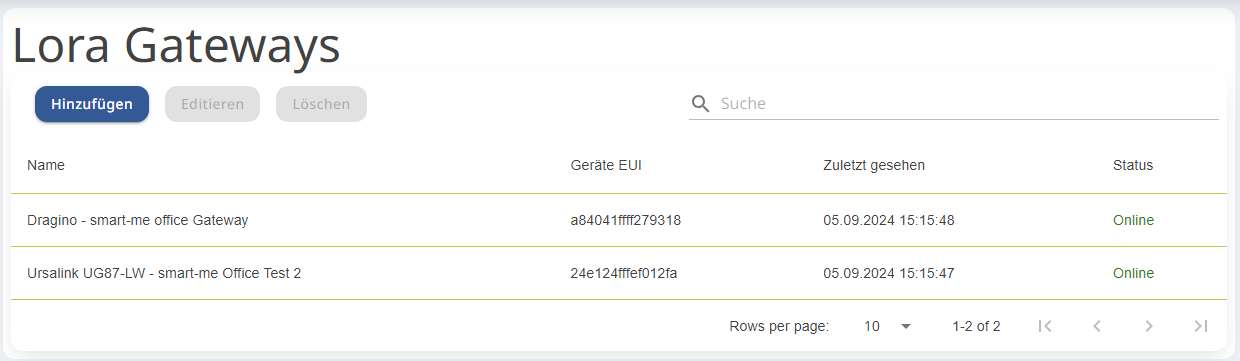
11. The gateway should now be displayed as "online" on lora.smart-me.com.