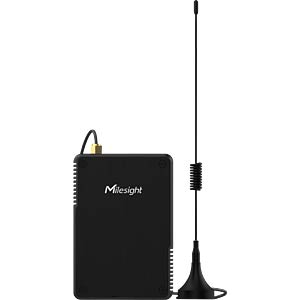
Milesight UG56 868Mhz
Integration guide
Connecting the gateway to the smart-me Cloud
-
Connect the device to power
-
Use your laptop to connect to the Wifi of the Milesight UG56 (Gateway_*******), no password required. Wifi password: iotpassword
-
Open your web browser and go to 192.168.1.1
-
Log in. Username: admin Password: password
-
Navigate to "Packet Forwarder" and copy the EUI of the device for the later implementation in smart-me.
-
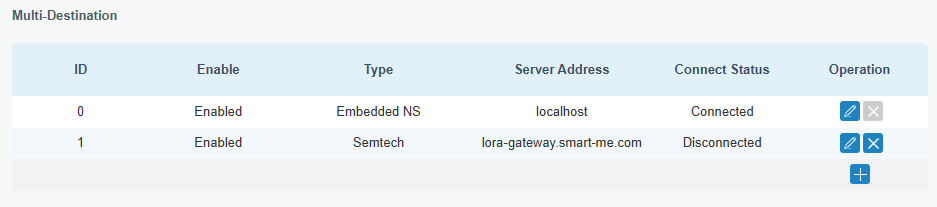
Create a new destination with: Type: Semtech Server address: lora-gateway.smart-me.com Port Up: 1700 Port Down: 1700
-
Save the setting
-
Register the device with its EUI in the smart-me LoRa Gateway (LoRa Gateway)
Note: Accessing the web interface again via the access point afterwards only works if the Ethernet is not plugged in.