Dragino LPS8N
Integration guide
-
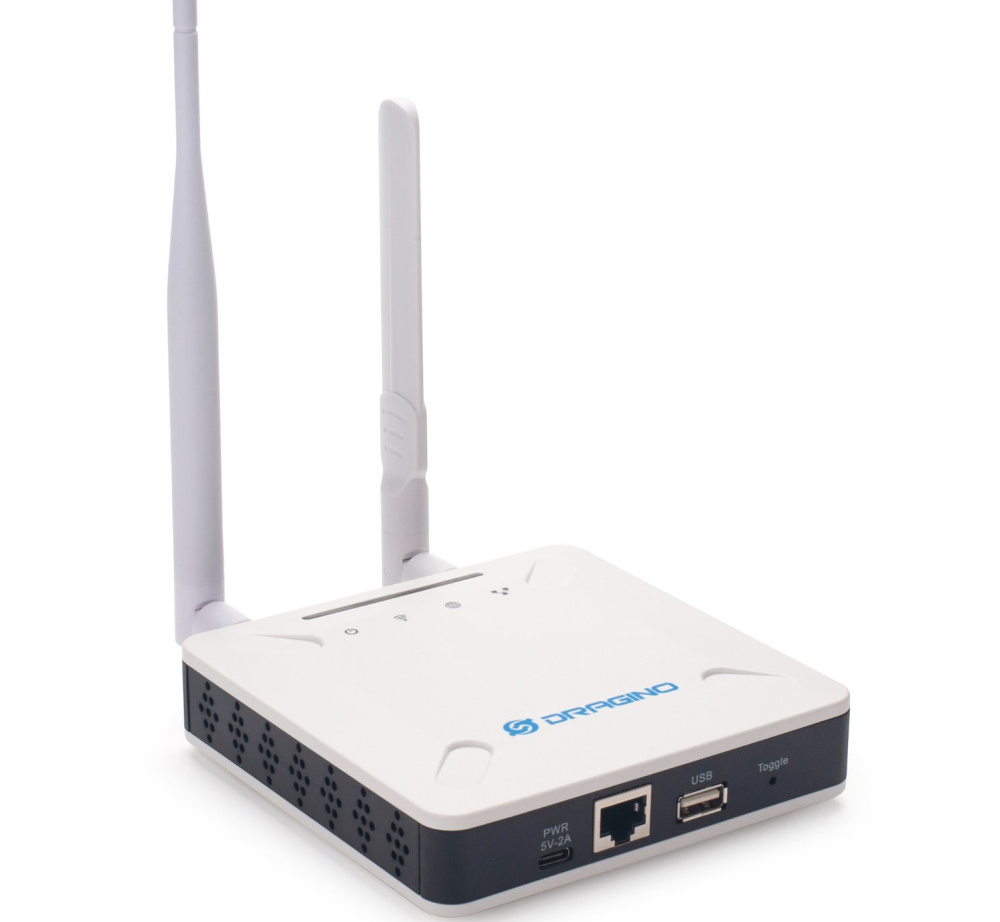
Connect to the Dragino's Wi-Fi network. SSID: dragino-xxxxxxx, Default password: dragino+dragino
-
Open the browser on your laptop and enter the following URL in the address bar: 10.130.1.1
-
Log in Default user: root Default password: dragino
-
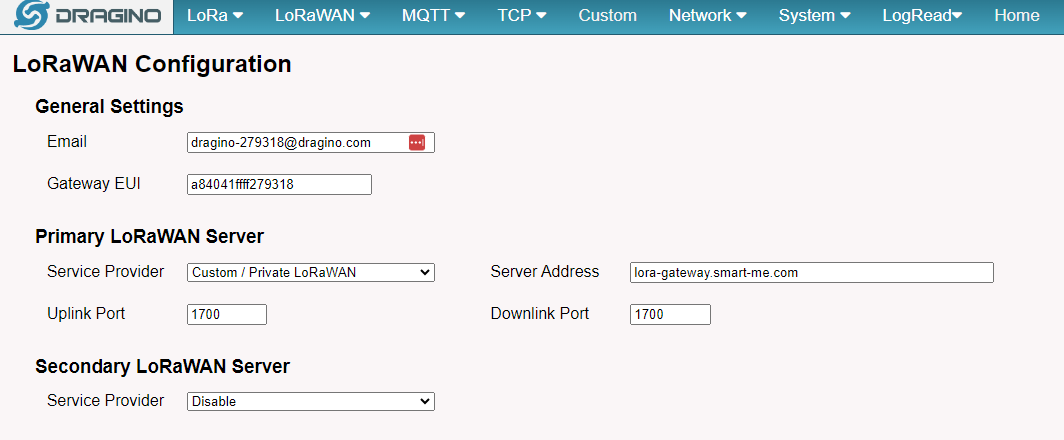
Select "LoRaWAN" -> "LoRaWAN Semtec UDP"
-
Select "Custom / Private LoRaWAN" as the service provider
-
Enter lora-gateway.smart-me.com as the server address
-
The uplink and downlink port is 1700
-
Click "Save & Apply"
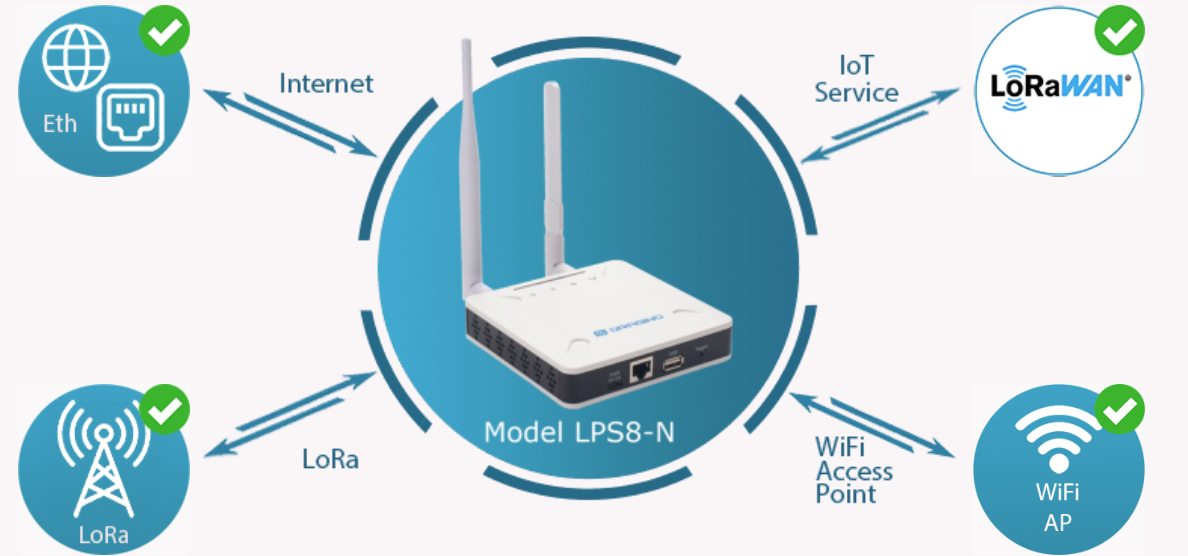
9. In the system overview, check that LoRa, IoT Service and Internet each show a green check mark.
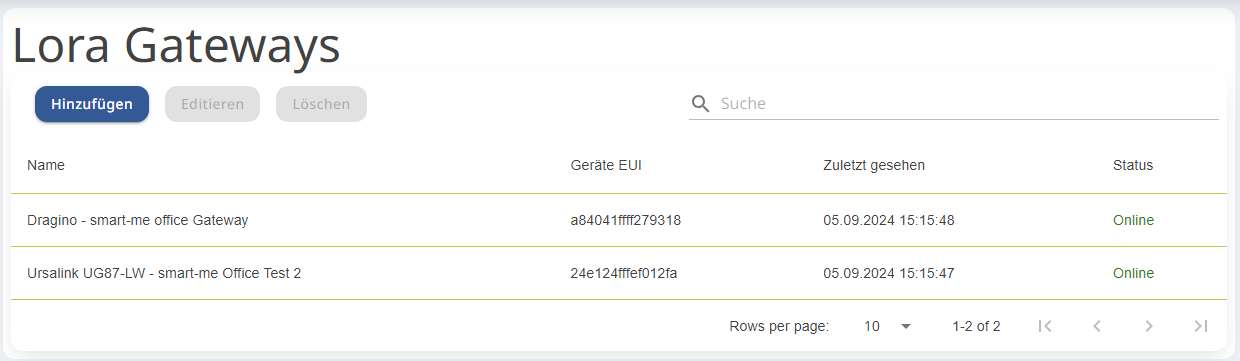
10. On https://lora.smart-me.com the gateway should now be displayed as "online".