Billing settings
First, navigate to the billing settings.
Here you configure the currency and how VAT is applied.
Specific VAT settings:
-
Case A: You are a ZEV (association for own consumption), your revenue from electricity is definitely below 100'000CHF, and you have not voluntarily registered for VAT:
- VAT (MWST) 0%
- Tax already included in prices (Steuer in Preise bereits inbegriffen): YES (JA)
-
Case B: You are a ZEV and your revenue from electricity sales is 100'000 CHF or more, or you have voluntarily registered for VAT:
- VAT (MWST) 8.1%
- Tax already included in prices (Steuer in Preise bereits inbegriffen): NO (NEIN)

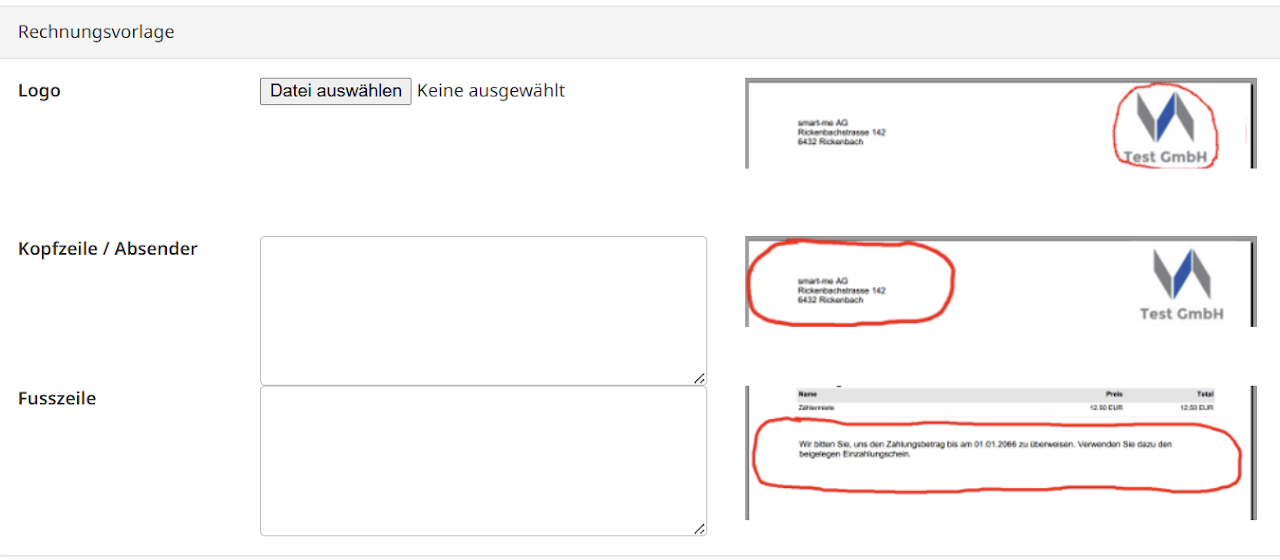
Logo, header and footer
While you are at it, also configure your logo for the invoice.
Fill the header with the contact details and address of the invoice sender, and add a few friendly words for your customers in the footer.