Create invoice
Navigation in the softwareBillingCreate invoice
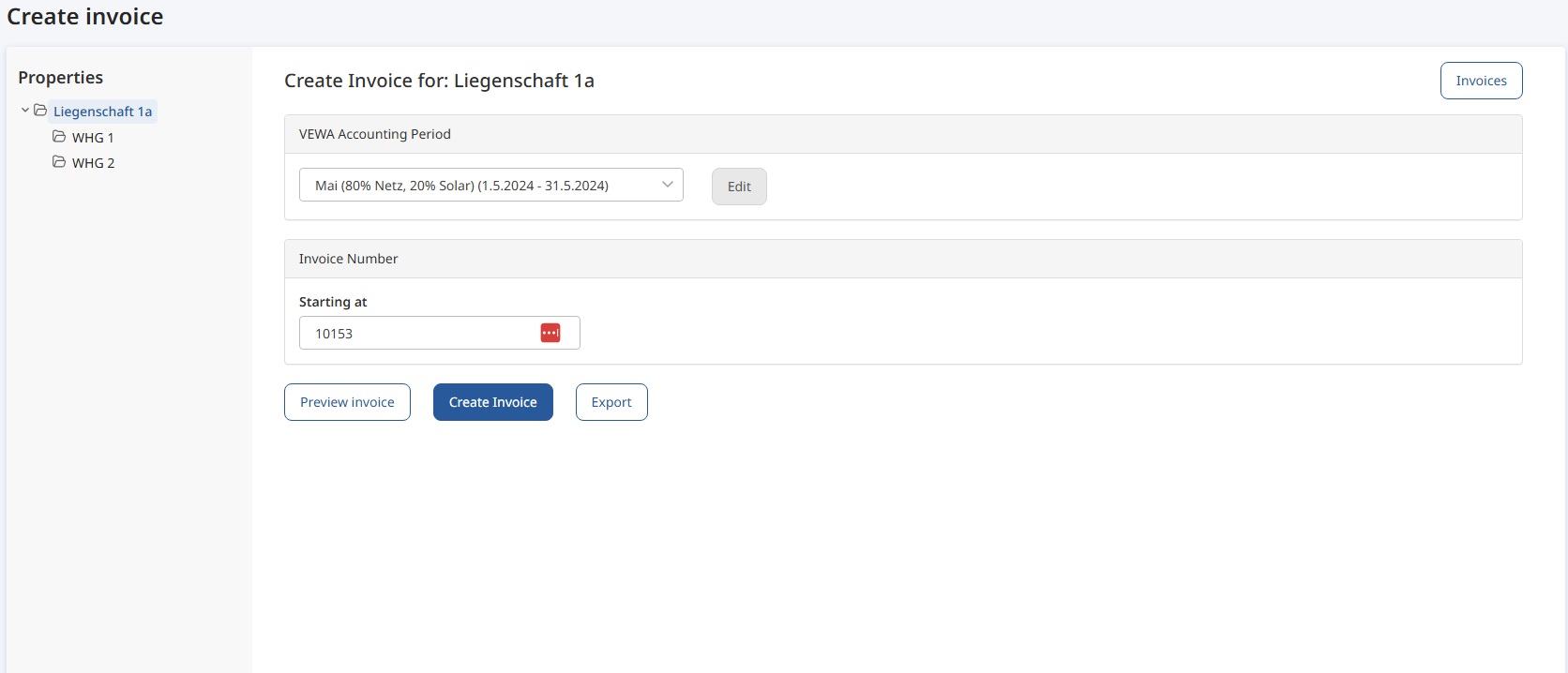
Once the blue box for the virtual tariffs has reached today's date, you can create a test invoice.
-
Enter the date
-
Create invoice preview (Rechnungsvorschau erstellen)
If you are satisfied with the preview, you can go back and create the real invoices.
Congratulations, you made it! When you now generate invoices in the smart-me Billing tool, you will receive an invoice document with all the necessary details as well as the visual representations.
On this page you will find a description of the most common error messages and possible solutions: Billing error messages