Symcon
Symcon is software, as well as an optional hardware package (Symbox), that enables control and visualization in your home or building. It acts as an interface and decision-maker.
The smart-me data can easily be retrieved via our API.

Target group: single-family and multi-family homes and industry
Contact
Install it yourself: www.symcon.de
Integrators: https://www.symcon.de/de/integratoren/schweiz/
Willy-Brandt-Allee 31b, D-23554 Lübeck
+49 - (0) 451 30500511 · support@symcon.de
How do I get a smart-me metering point into Symcon?
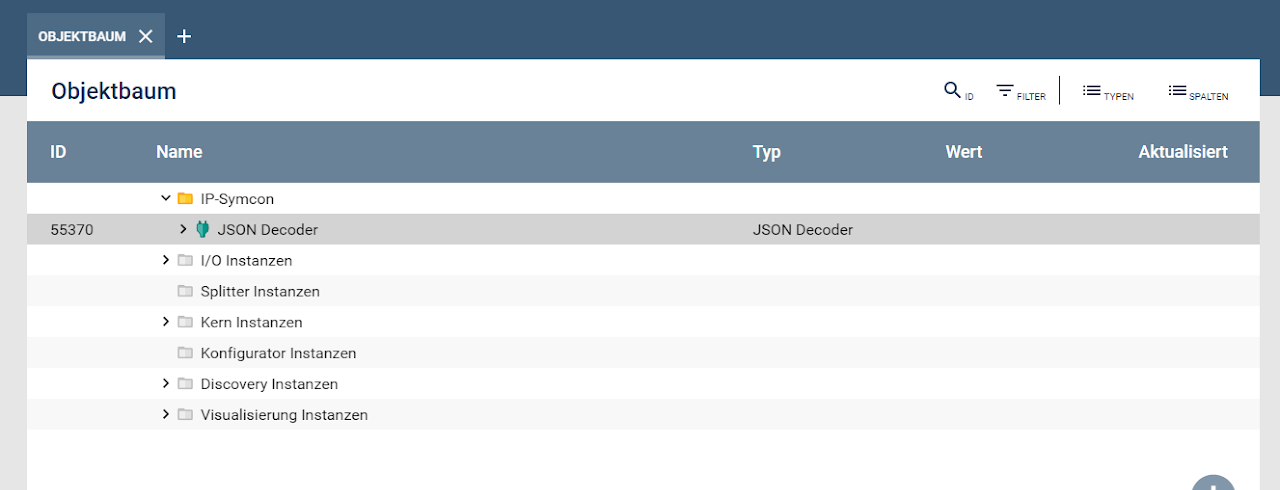
- Add instance (JSON Decoder)
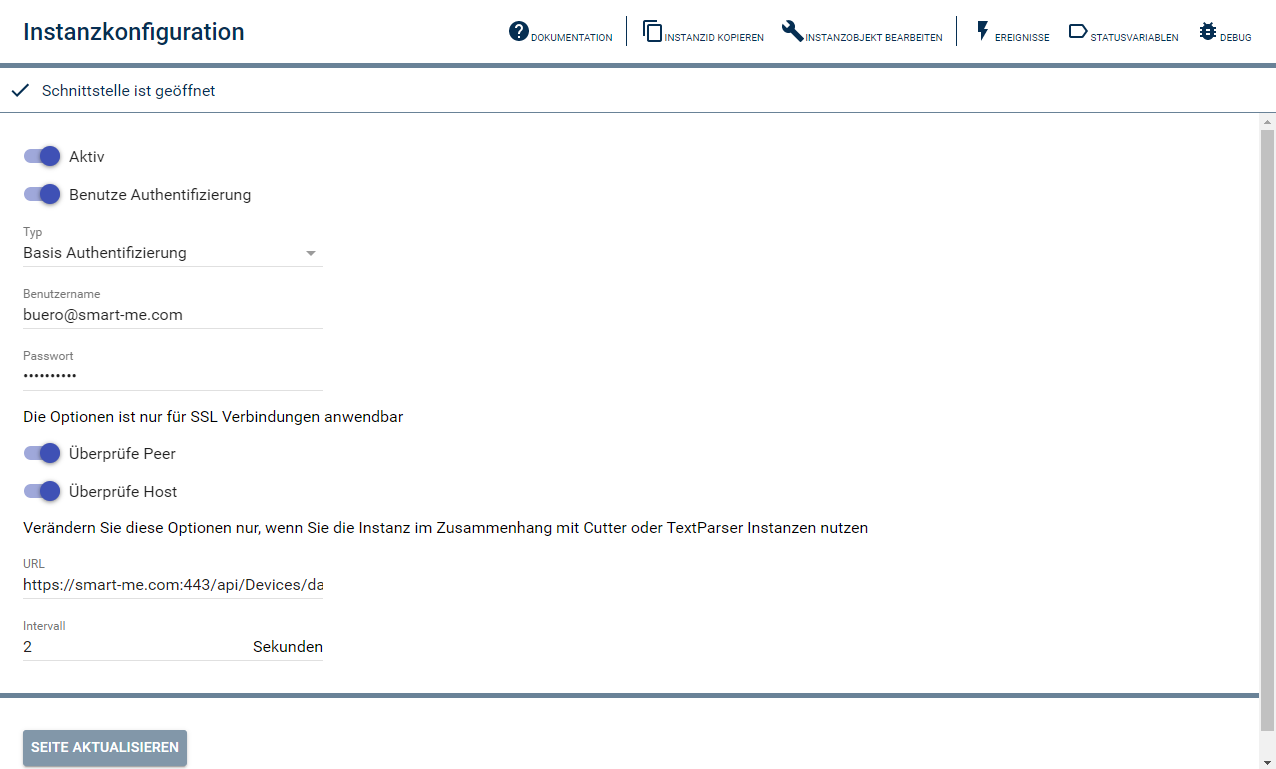
2. Configure instance
Username: smart-me account
Password: smart-me password
URL: API call: e.g. "https://smart-me.com:443/api/devices/{id}
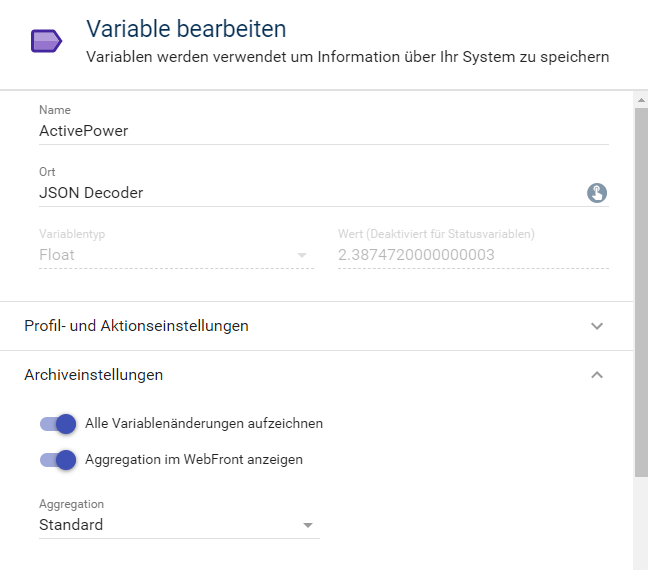
3. Edit variable (double-click)
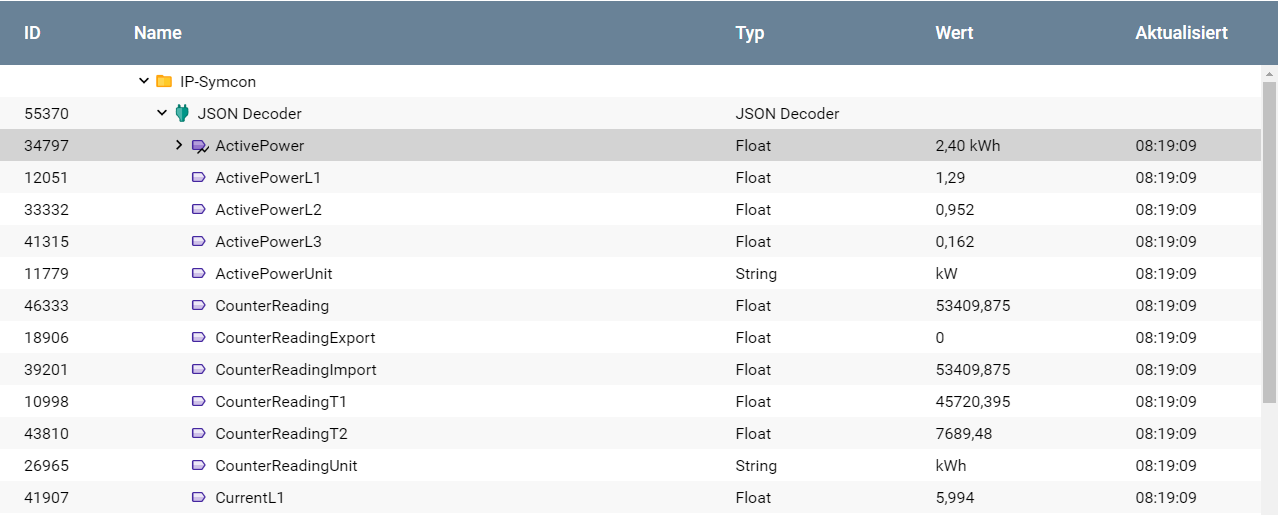
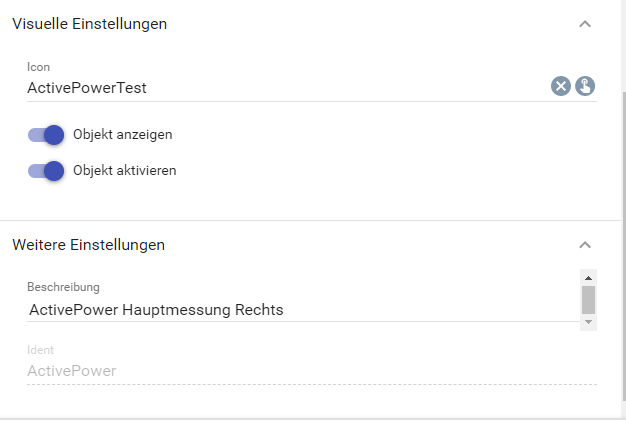
4. Set up variable
-
Enter a name
-
Location (JSON Decoder)
-
Archive settings (enable logging and show in WebFront)
How can I create a chart in Syncom?
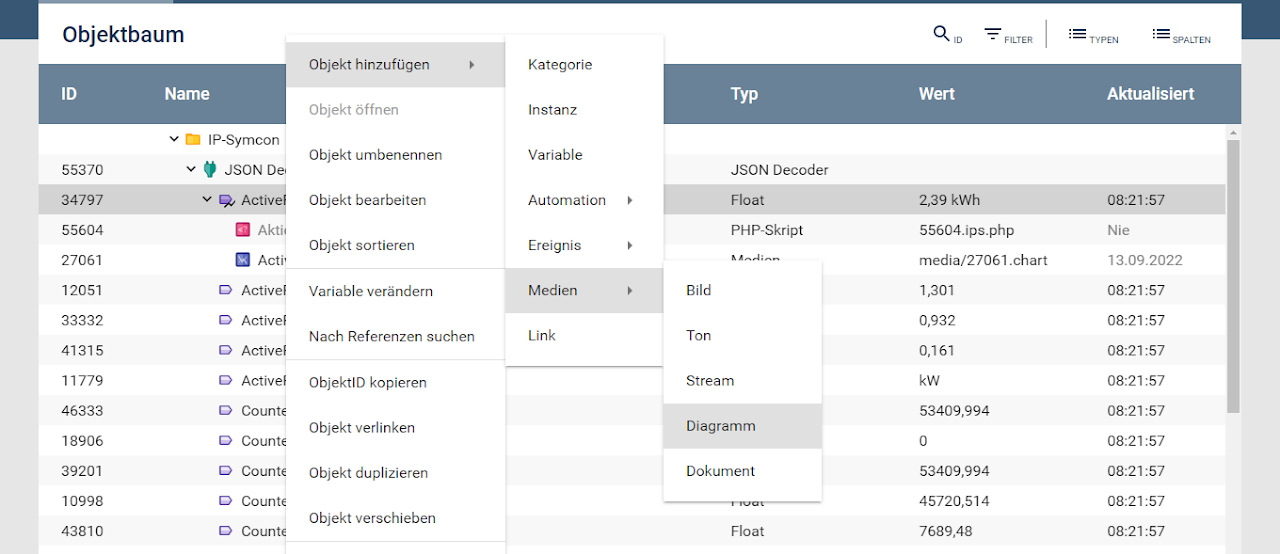
5. Create chart for Webfront
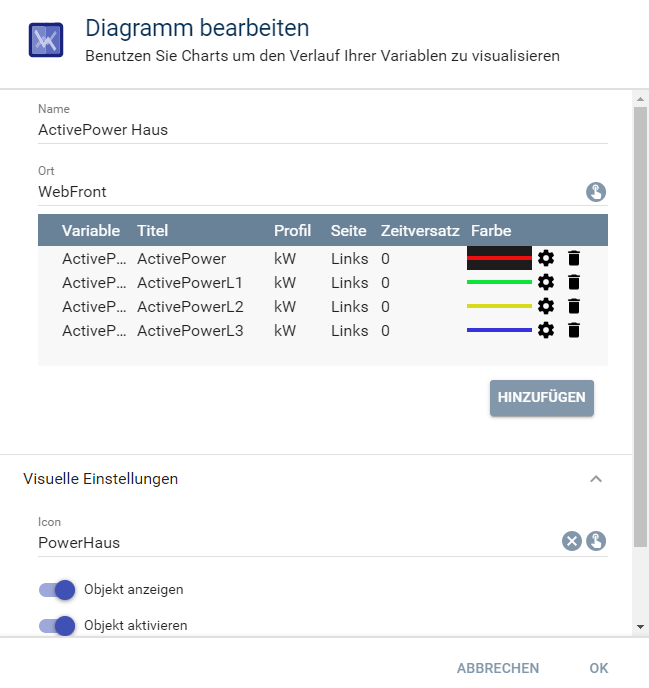
6. Configure chart
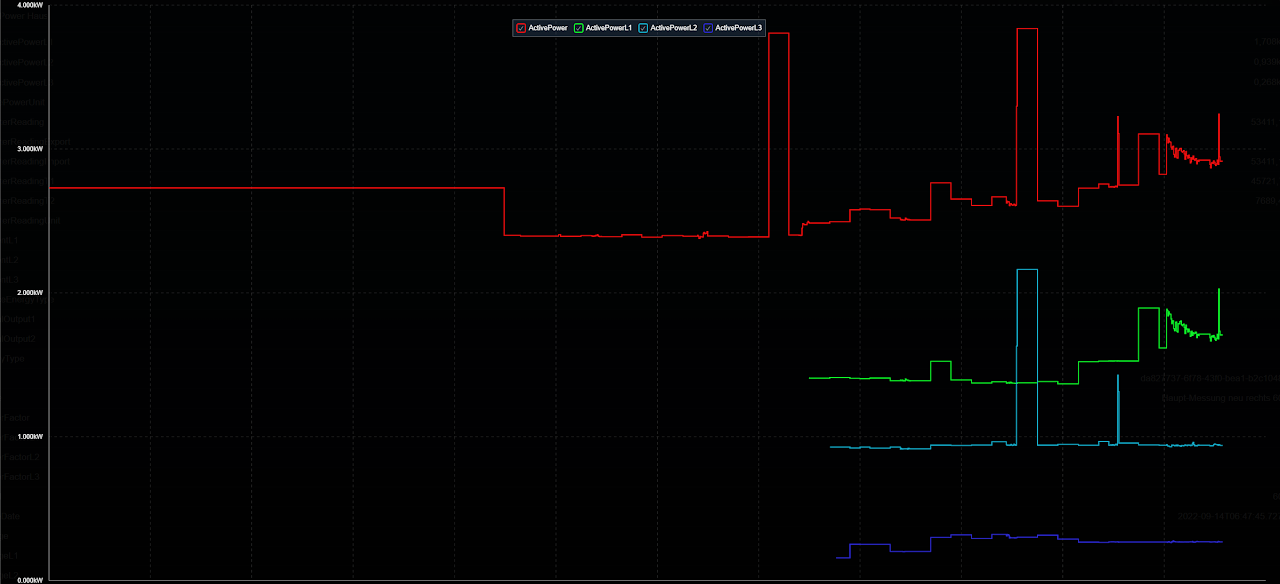
- Several variables can be displayed in the same chart (e.g.: total active power and active power of the individual phases).
7. Open Webfront
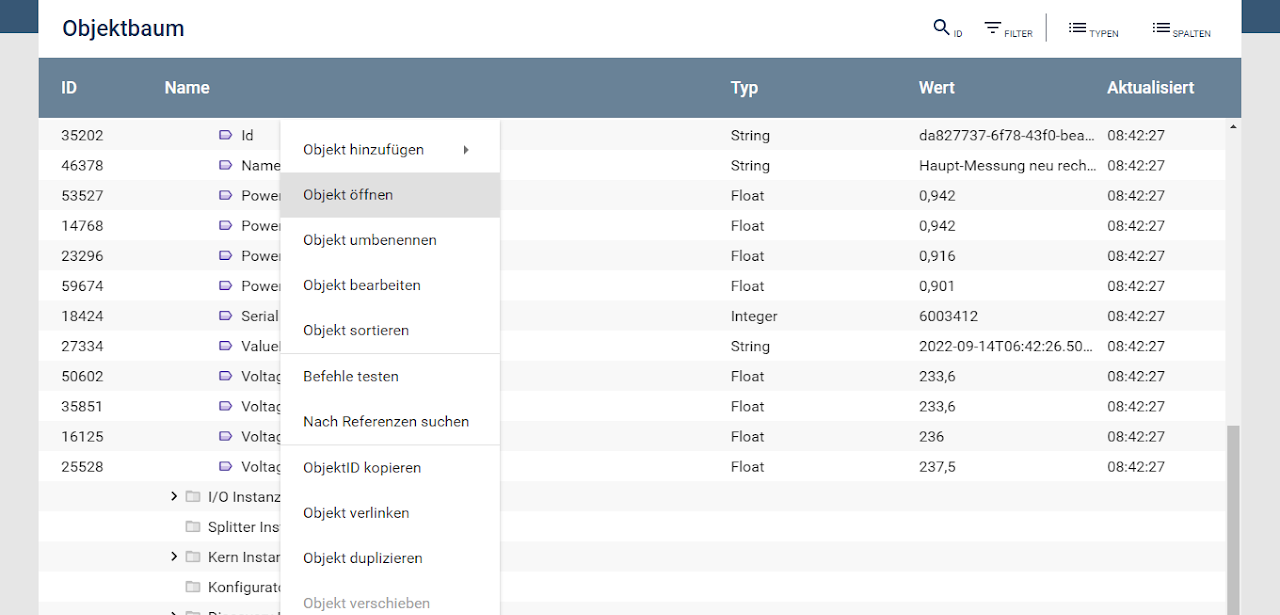
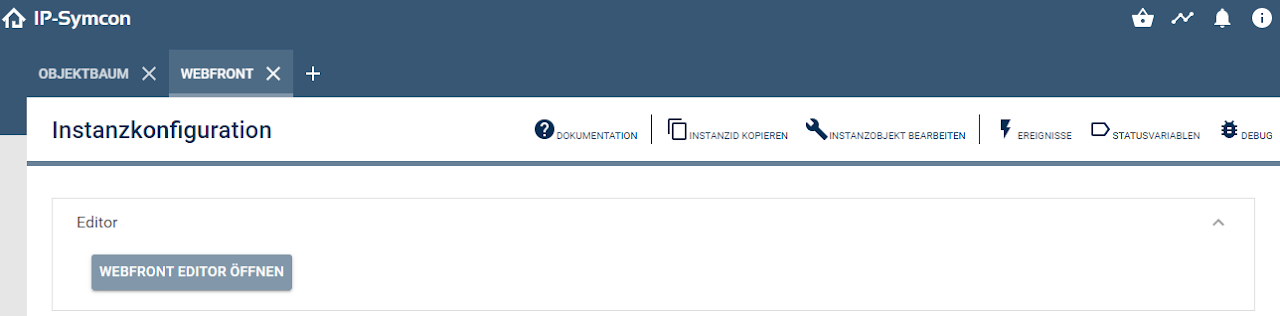
8. Display chart (click to the right of the PowerHaus chart).