piskelapp
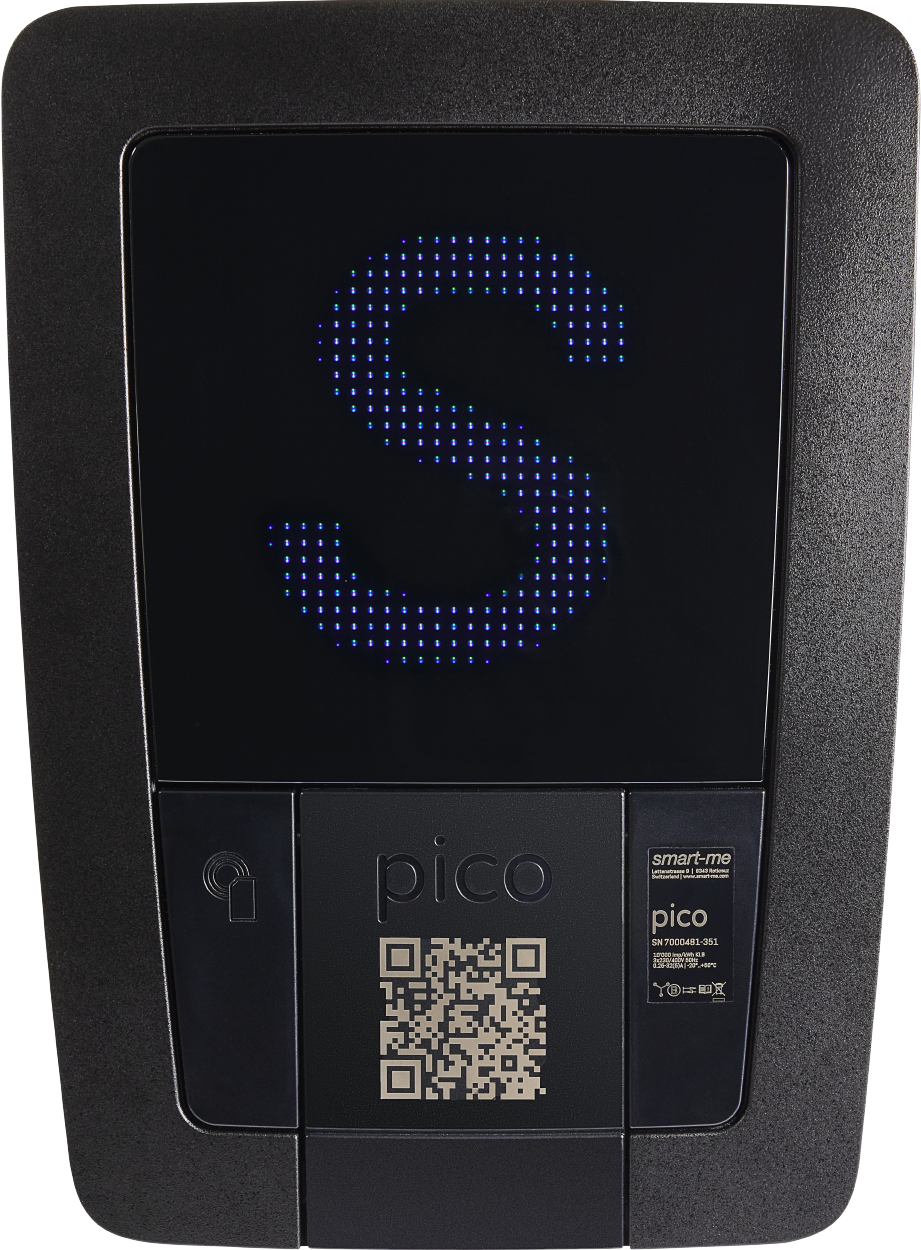
Our Pico charging station has a 32 × 32 pixel display that can show GIF animations. The smart-me web portal already includes a few preset GIFs, but you can also upload your own files to personalise your charging station even further.
The Piskel website makes this very easy.
What is Piskelapp.com? Piskel is a free, web-based drawing program for creating pixel art and animated GIFs. It runs directly in the browser without installation and offers a real-time preview in which animations play back immediately. Alongside numerous drawing tools such as brush, fill tool, shapes and symmetry mode, you can design your own pixel images frame by frame. Finished animations can be exported as a GIF, a spritesheet or individual PNG files.
How to create your own GIF
-
Open piskelapp.com and click "Create Sprite" in the top right corner.
-
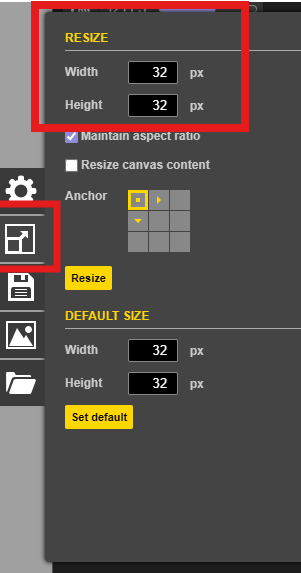
You will find the settings on the right – set the size to 32 × 32 pixels.
-
On the left, select the drawing tool and a colour.
-
Draw your design in the work area.
(If you only want a static image, you can now export it as a PNG.)
-
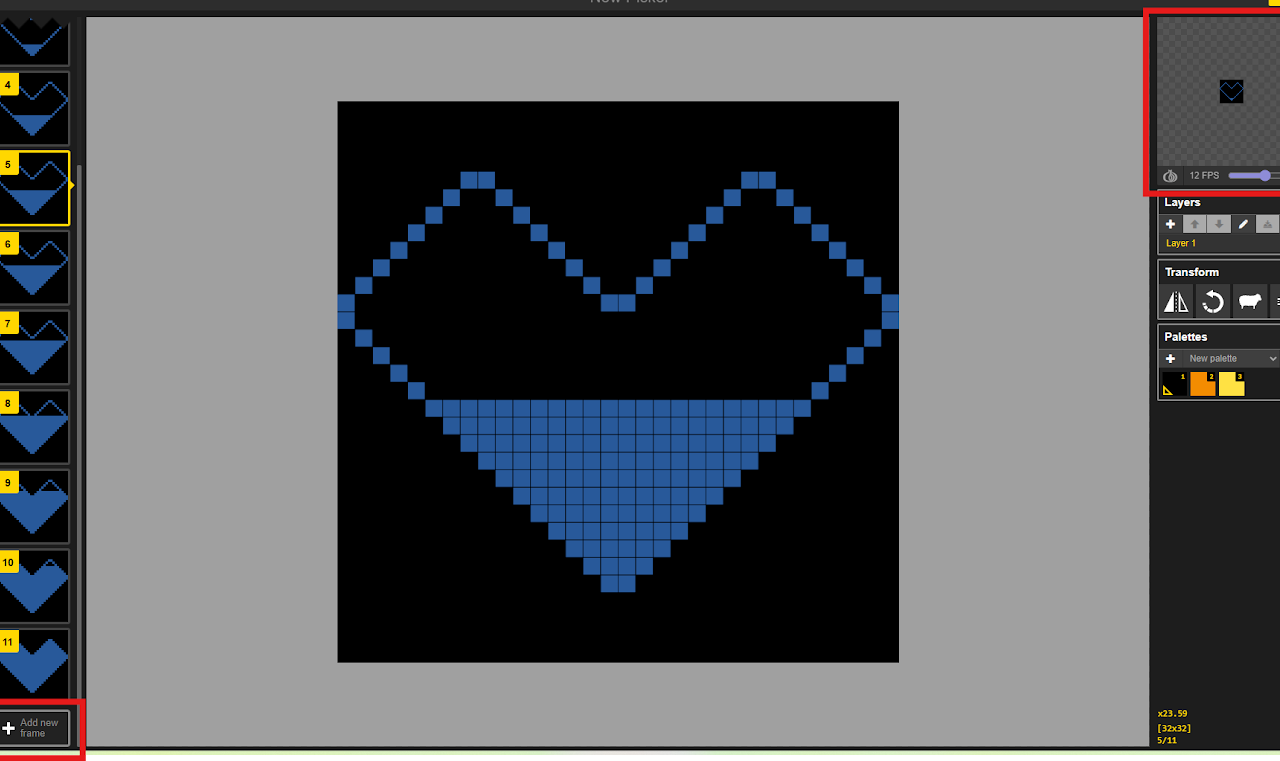
For an animation, add a new frame and draw the movement you want.
-
Export your work as a GIF.
(Important: The background must be black; transparent is not allowed.)
-
Upload the GIF file in the smart-me web portal.
How to convert a GIF
Upload a GIF via "Import" and resize it to 32 × 32 pixels. You can then export it as a GIF again and load it onto your Pico charging station in the smart-me web portal.